- Home
- Storage of Discs
- Free CD DVD Burning Software
Free CD DVD Burning Software
Free CD DVD burning software usually comes with the CD DVD burner that you purchase for recording information on CDs, DVDs, or Blu-ray discs media.
Unlike saving information on floppy diskettes and hard drives in your computer, you cannot simply drag and drop files from Windows Explorer onto optical disc media such CD-Rs, CD-RWs, DVD-Rs, DVD+Rs, DVD-RWs, DVD+RWs, BD-Rs, and BD-REs. To write information on these optical disc media properly and without issues, recording or burning software is a requirement.
Free Software with Burner Drive Purchase
The software that often comes prepackaged with the new computer or with an external drive is usually simple software with only the basic features. An upgrade from the free DVD or CD burning software provides additional features such as importing and coding audio or video, video editing features, ability to make labels, and more.
Recording or Burning Software Properties
Burning software allows the selection of which task to perform, such as make an audio CD, make a data CD, make a video CD, make a DVD movie disc, make a data DVD, copy a disc, create backups, and so much more, and then use a variety of different disc formats. Burning software should be able to burn as many of the different format discs as possible (of course, the burner drive has to be equipped to do so as well), should be easy to use even for the beginner, should allow selection of different burn speeds, which is an important factor in burn disc quality, and the installation and set-up should be simple.
The burning software plays an important part in creating discs that faithfully store the data being onto the discs. The copy of the data should be identical. The software also plays a role in the error rate of the disc and generally the aim is to create problem free discs not only in the short term but also for the long term. Therefore, it is important to use a good quality burning software when saving your digital information on optical media.
Free CD DVD Burning Software
Some of the top commercially available DVD CD burning software are Roxio Creater, Nero, Corel DVD Movie Factory, Power2Go, and NTI Media Maker.
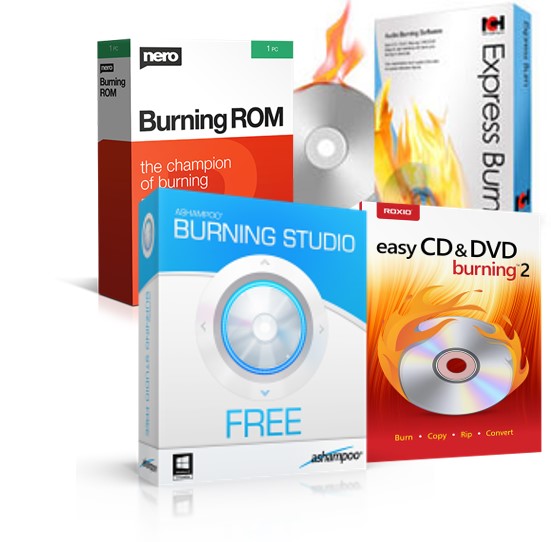
In addition to the free CD DVD burning software that comes with your burner, free CD DVD burning software is also available from a variety on sources on the internet. There are many different types, some with basic features and some with more upgrades. This free burning software may or may not produce good quality discs and many lack thorough testing. Therefore, care is required when using such software and tests should be performed before burning or recording many optical discs for a collection.