- Home
- Digital Media
- What are Lightscribe CDs and DVDs?
What are Lightscribe CDs and DVDs?
by Jerri
(Ohio)
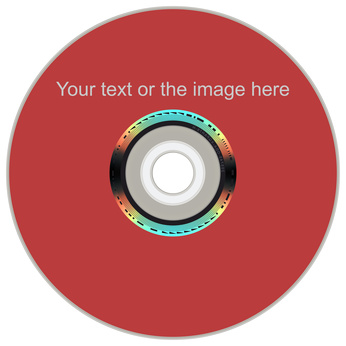

An optical disc with a Lightscribe written label.
When purchasing CD-Rs and DVD-Rs, I have noticed that certain discs say they are Lightscribe CDs or Lightscribe DVDs. What exactly does this mean? Are these a different CD or DVD technology compared to the standard CD-Rs or DVD-Rs?
Lightscribe CDs or Lightscribe DVDs are special discs for labeling via the Lightscribe method. Note that not all discs can be labeled using this method, only those CD-Rs and DVD-Rs that are manufactured to do so.
This special media consists of a dye layer on the top side of the disc or in other words the side opposite the base or reading side of the CD or DVD. This dye changes color with exposure to the laser light of the drive that normally records CD-Rs and DVD-Rs and therefore the creation of a label is possible. The remaining structure of the CD-R or DVD-R is the same as other recordable media. It is just the top layer that differs.
To use the Lightscribe technology, you need Lightscribe equipped discs, a Lightscribe equipped drive, and the Lightscribe software for label designing. Note that Lightscribe equipped drives usually have the Lightscribe logo on the faceplate of the recording drive. A disc is burned or recorded like you would normally do with any other recordable media. After that, you design the label using the appropriate Lightscribe software that came with the drive or purchased separately. Next, the recorded disc is taken out of the drive, flipped over, and then placed back into the recordable drive. Burn the label on the top side of the disc following the software instructions.
Note that labels on recordable Lightscribe CDs and Lightscribe DVDs are not in color, but only a grey scale on colored disc backgrounds.
More information on Lightscribe can be found at Lightscribe discs page.